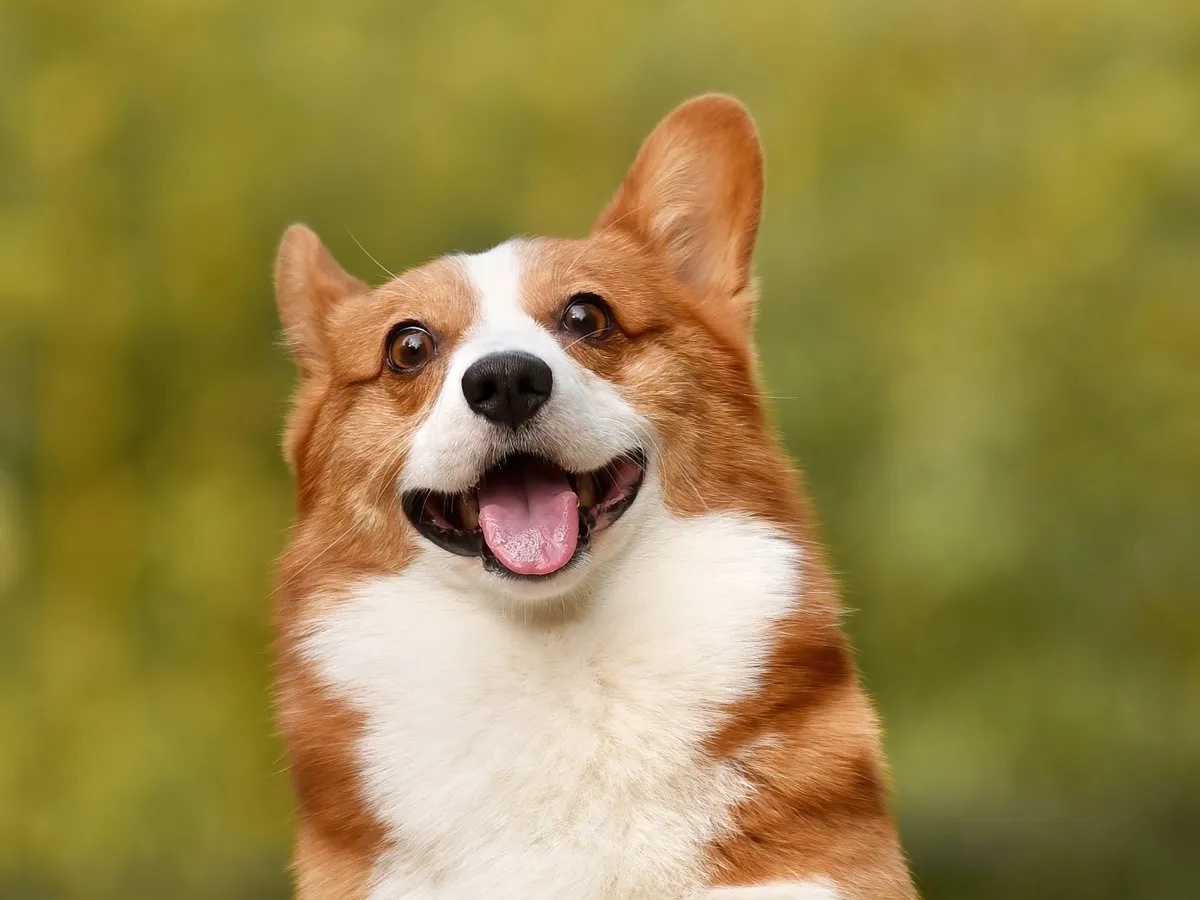
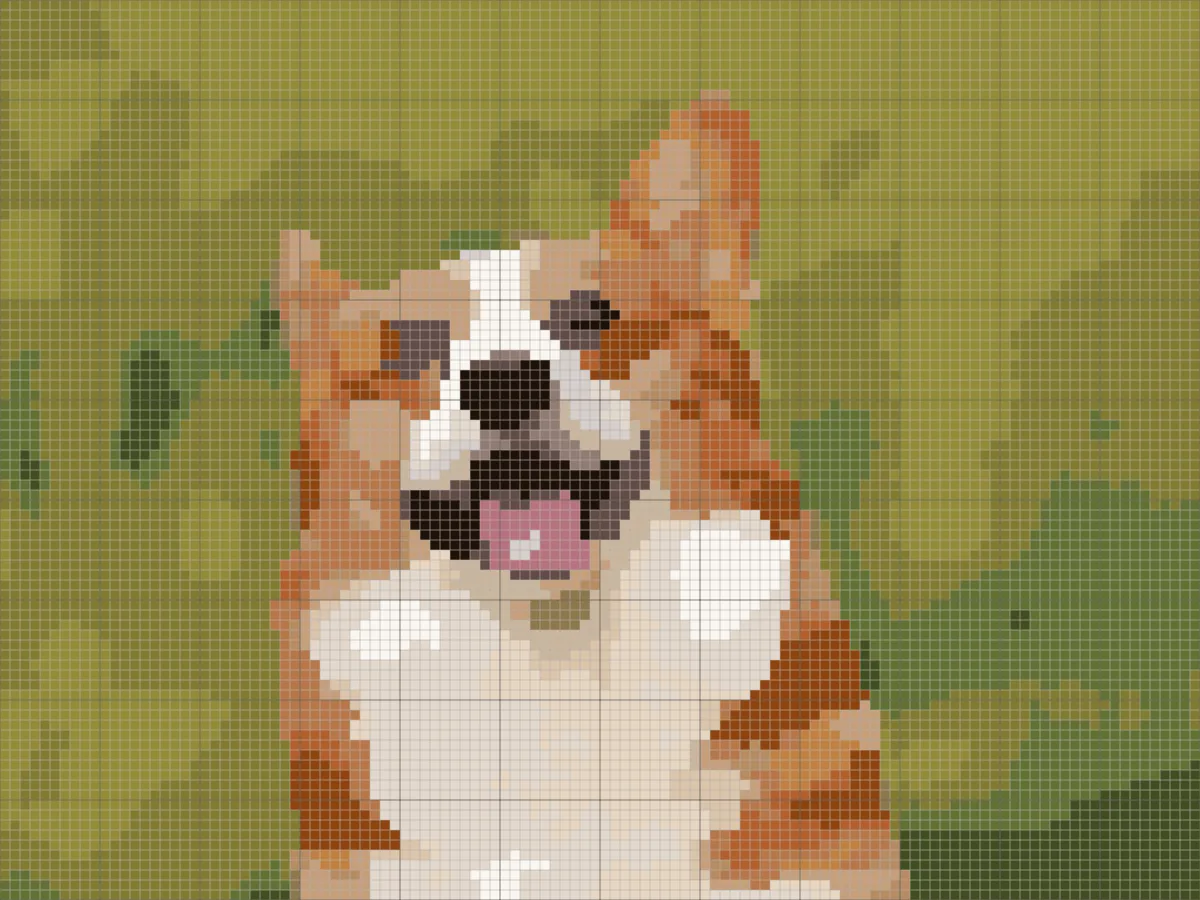
A cross stitch portrait is one of the most personal things you can stitch, and one of the hardest to chart. Faces are full of soft shading, small shifts in color read as expressions, and the eyes carry the whole picture. A good result depends mostly on the photo you start with and on a few settings.
Choose a photo where the face is evenly lit, without harsh shadows across the eyes or nose, taken from the front or at a slight angle. Crop close to head and shoulders so the face fills most of the frame. Group photos work better cropped to one or two people; small faces in a wide shot lose their features once they are reduced to stitches.
Faces need enough stitches to stay recognizable. For a single head-and-shoulders portrait, try a width between 100 and 150 stitches. On 14 count Aida, 120 stitches is about 8.6 inches wide; on 18 count the same chart is about 6.7 inches, with no stitches lost.
Skin tones are subtle, so portraits usually need more colors than bold, graphic designs. Start around 25 to 30 colors and watch the eyes, the mouth and the edge of the face in the zoomed view as you add more. If the face looks flat, raise the contrast a little; if it looks blotchy, try a few more colors or a softer crop.
Pet portraits
Pets follow the same rules with a few twists. Take the photo at your pet's eye level, in soft daylight, with both eyes visible, and crop away the couch and the carpet. A pet's head usually needs fewer stitches than a human face, so 80 to 120 stitches wide is a good range to try. Dark and very light fur need more colors to show shading, and a white cat on a white blanket may need extra contrast.
Fur is where confetti shows up most: scattered single stitches that look like texture on screen but are slow to stitch. Confetti cleanup removes most of them so the chart is calmer to work from. Check the eyes and whiskers afterwards, and lower the cleanup if detail goes missing.
You can preview as many versions as you like for free. When one looks right, the PDF chart with a floss key and estimated skeins is $4.99. Charts use full stitches only for now, so fine details such as eyelashes and whiskers are made of whole stitches rather than backstitch. Your photo is never uploaded; only the pattern data is processed to create your PDF and is not stored.