
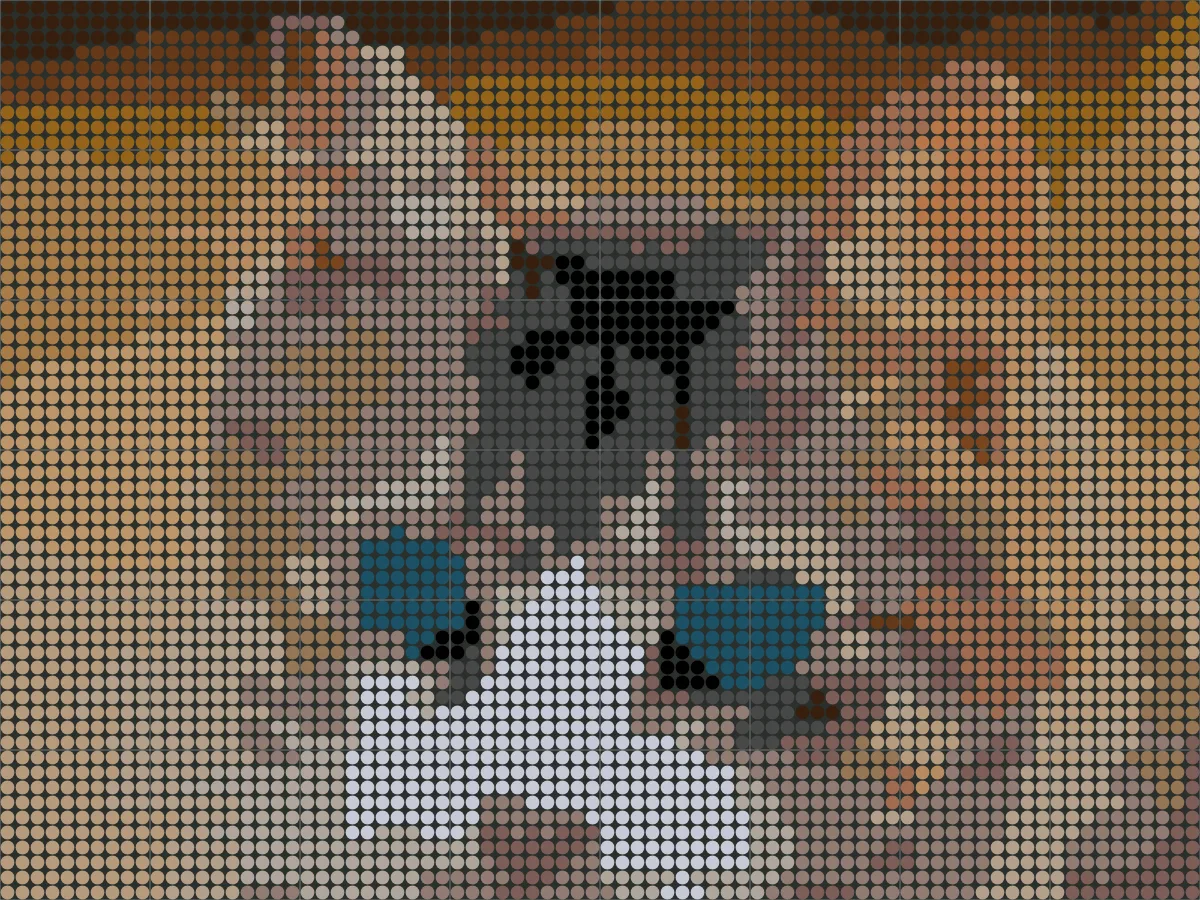
If you just want to see what your photo would look like as a diamond painting, you should not need to create an account, install an app or hand over your email. Here you do not. Open the page, choose a picture and the pattern appears.
What you get for free is the part that helps you decide: the live preview, the list of DMC colors with stone counts, a choice between square and round drills, and a low-resolution PNG with a watermark that you can save or share with a friend. Nothing expires and there is no daily limit on previews.
What costs money is the finished file. When you want a sharp, watermark-free PDF that you can print and a shopping list you can take to your supplier, a single pattern is $4.99. You decide after seeing the result, not before.
Working in the browser means the picture is handled on your own device. We do not upload your photo to build the preview, and we do not keep it. That also makes the preview quick: after the first render, changes to the number of colors or the brightness usually update within a second on a recent computer.
A few tips if you are trying several tools. Use the same photo and the same number of colors in each, so the comparison is fair. Zoom in on the preview rather than judging at thumbnail size, since diamond paintings are seen up close. Check whether the tool gives you real color codes and stone counts, not just a pretty picture, and whether it tidies stray single stones, which are the most annoying thing to place by hand.
When you are ready to move from preview to something you can print and shop from, the paid options are there. Until then, play with it as much as you like.