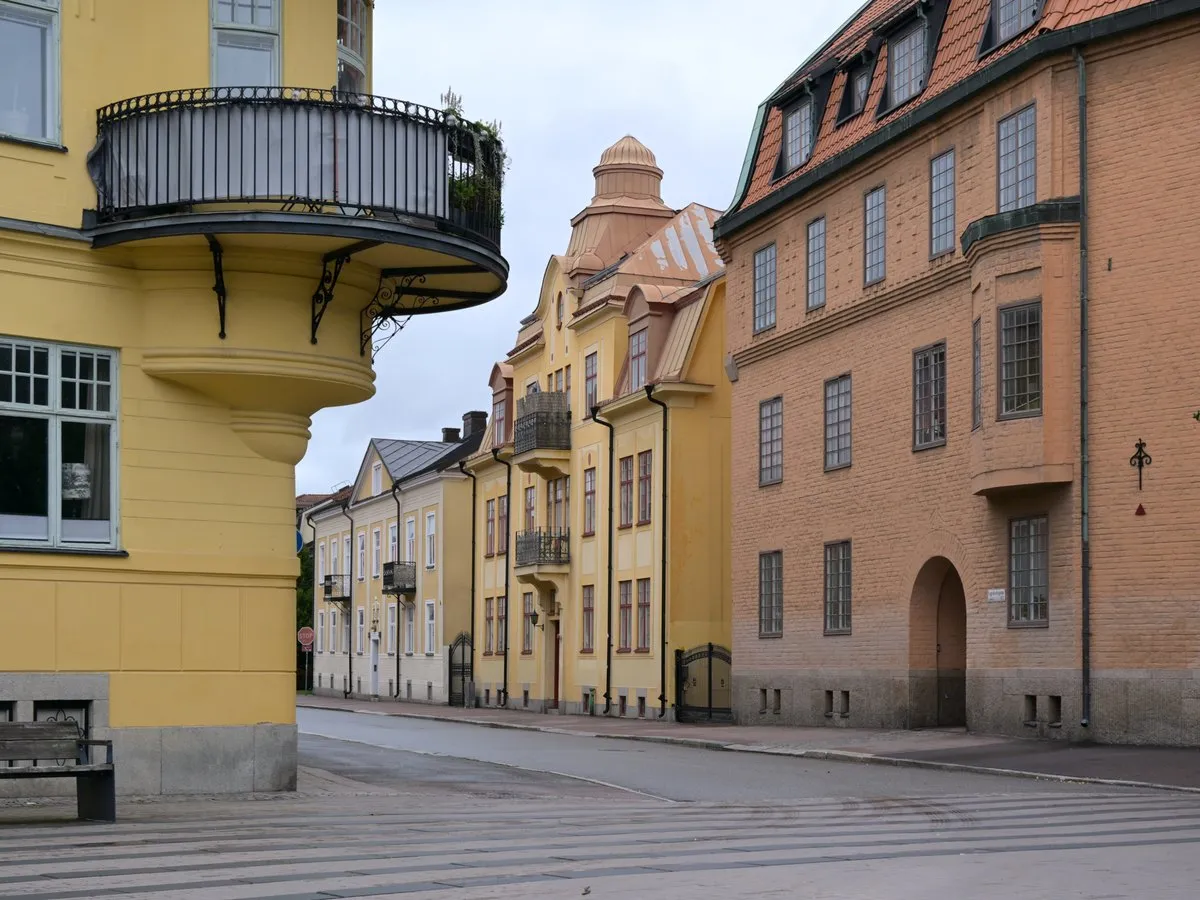
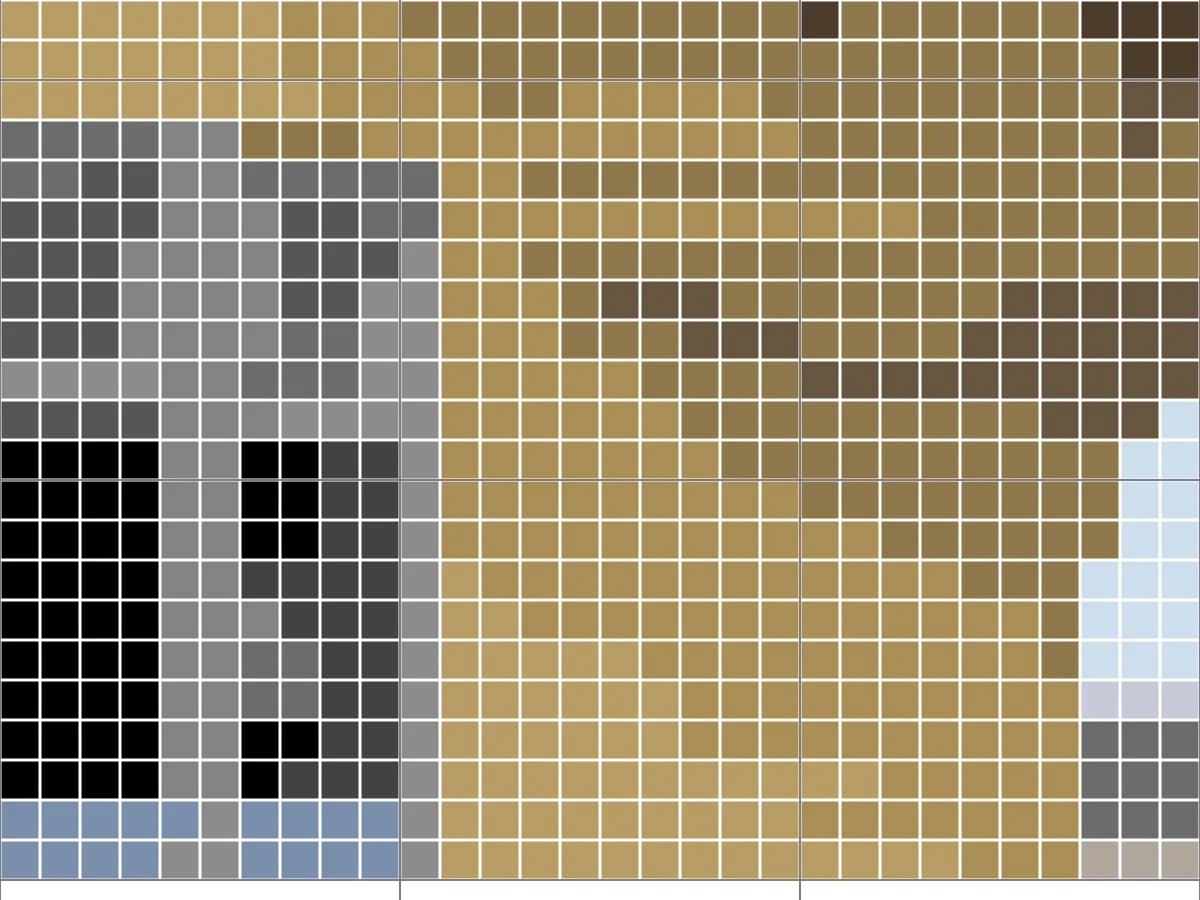
Square drills sit edge to edge, leaving almost no gaps, which is why many people choose them for portraits and detailed scenes. The finished surface looks like a smooth mosaic, and fine lines such as eyelashes or text come out cleaner than they do with round stones.
When you pick the square drill view in this tool, the preview draws every cell as a tight square so you can judge the look you will actually get, rather than a smoothed photo. Zoom in and out to check how details survive the reduction to stones.
Choosing the grid size is the biggest decision. Each cell is one stone, so a grid of 100 by 140 is 14,000 stones, and a grid of 150 by 200 is 30,000. The tool shows your stone count as you change the size, so you can see the real size of the project before you commit.
Colors work the same way. Each color you keep is a separate bag to buy, so try reducing the number of colors until the picture starts to lose something important, then step back up. The color list shows DMC codes and counts for every color.
Square drills are fussier about alignment than round ones, because gaps and tilted stones show. A pattern with fewer isolated single stones helps, since every lonely stone in a field of another color is one more place for a crooked drill to stand out. We remove those specks automatically.
The preview is free. For a watermark-free HD PDF with a symbol grid, coordinates and a shopping list, a single pattern is $4.99. Your photo is processed in your browser and is not uploaded.