
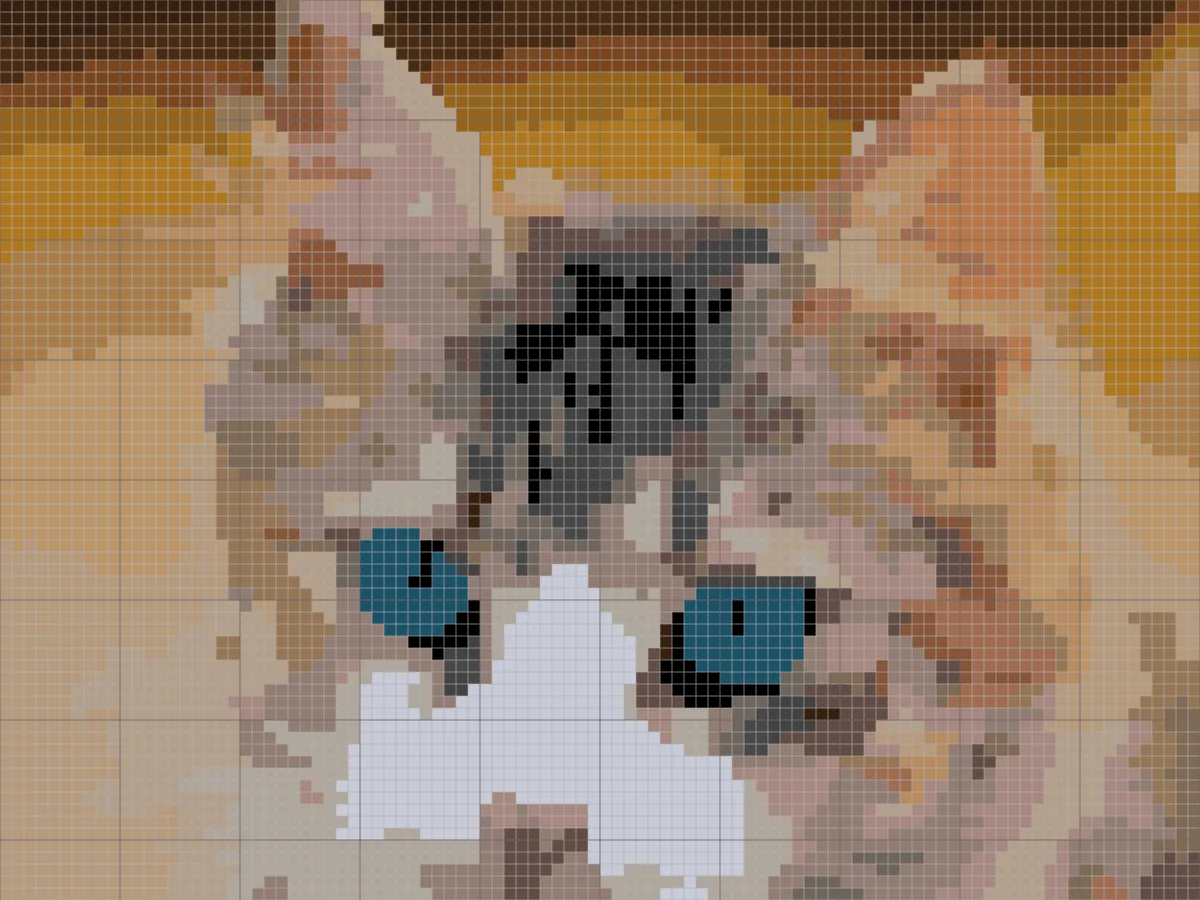
A photo can become a beautiful diamond painting, often sold as diamond art, but only if the pattern behind it is well made. The grid has to be sized for the canvas you plan to buy, the colors have to map to real stone numbers, and the result has to be something you can actually place without losing your patience.
Here is how this tool approaches that. You start with a photo from your phone or computer. Crop it to the part that matters, such as a face, a pet or a doorway, then pick the size of the finished canvas. We shrink the picture into a grid of squares, one per stone, and match each color to the closest DMC code.
Because every extra color means another bag to buy, you control how many colors the pattern uses. Try 15 for a bold, graphic look and 35 for a softer, more detailed one. The color list and stone counts update as you move the slider, so you can see how the choice changes your shopping list.
Good portraits usually depend on the source photo. Pick one with clear light on the face, a simple background and the subject filling most of the frame. Busy backgrounds eat up colors without adding anything. If your photo is dark, raise the brightness a little and add contrast; small changes make a big difference once the image is reduced to a few thousand stones.
We also remove isolated single stones that sit alone in a field of another color. They look like noise on screen and are annoying to place on a real canvas.
Your photo is processed in your browser and is never uploaded. The preview is free and needs no account. When you are happy, you can download an HD PDF with a symbol grid and a shopping list for $4.99.