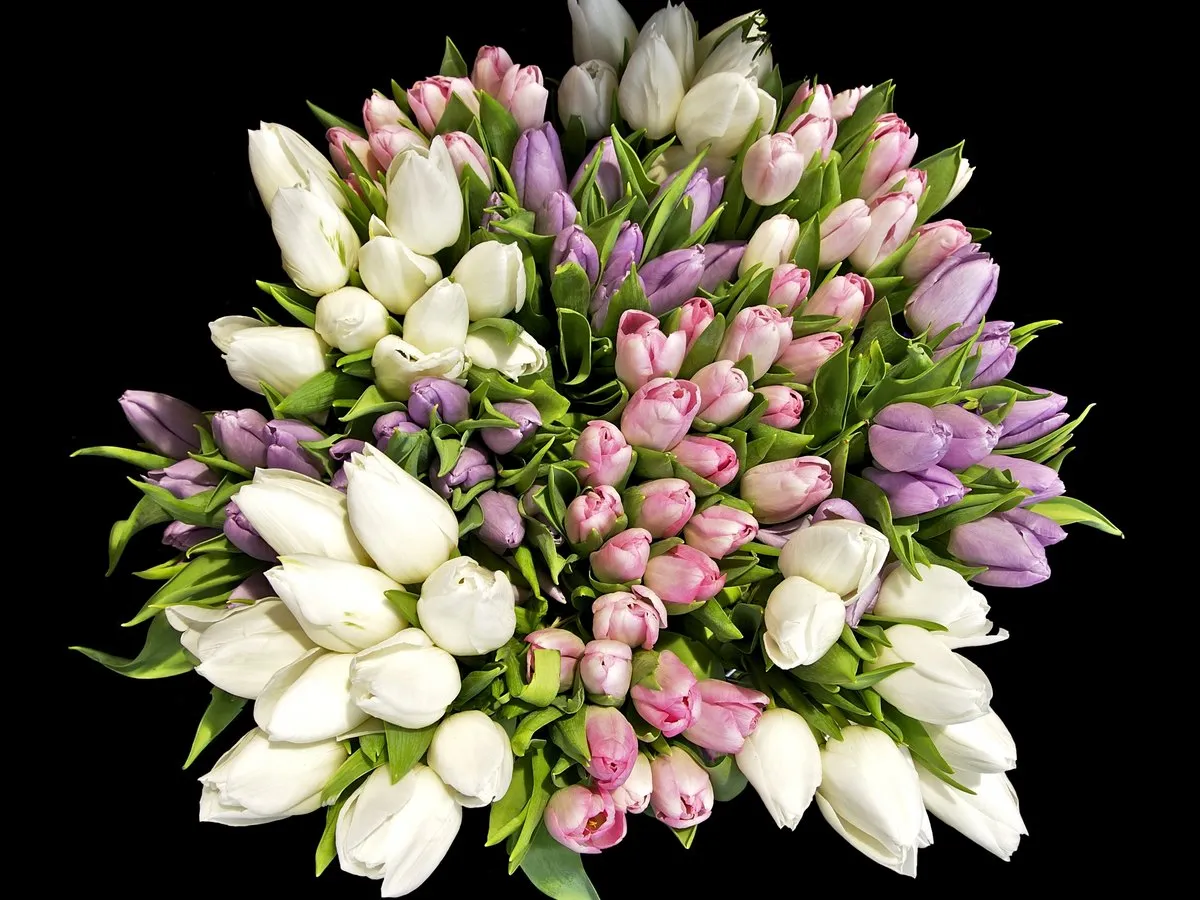
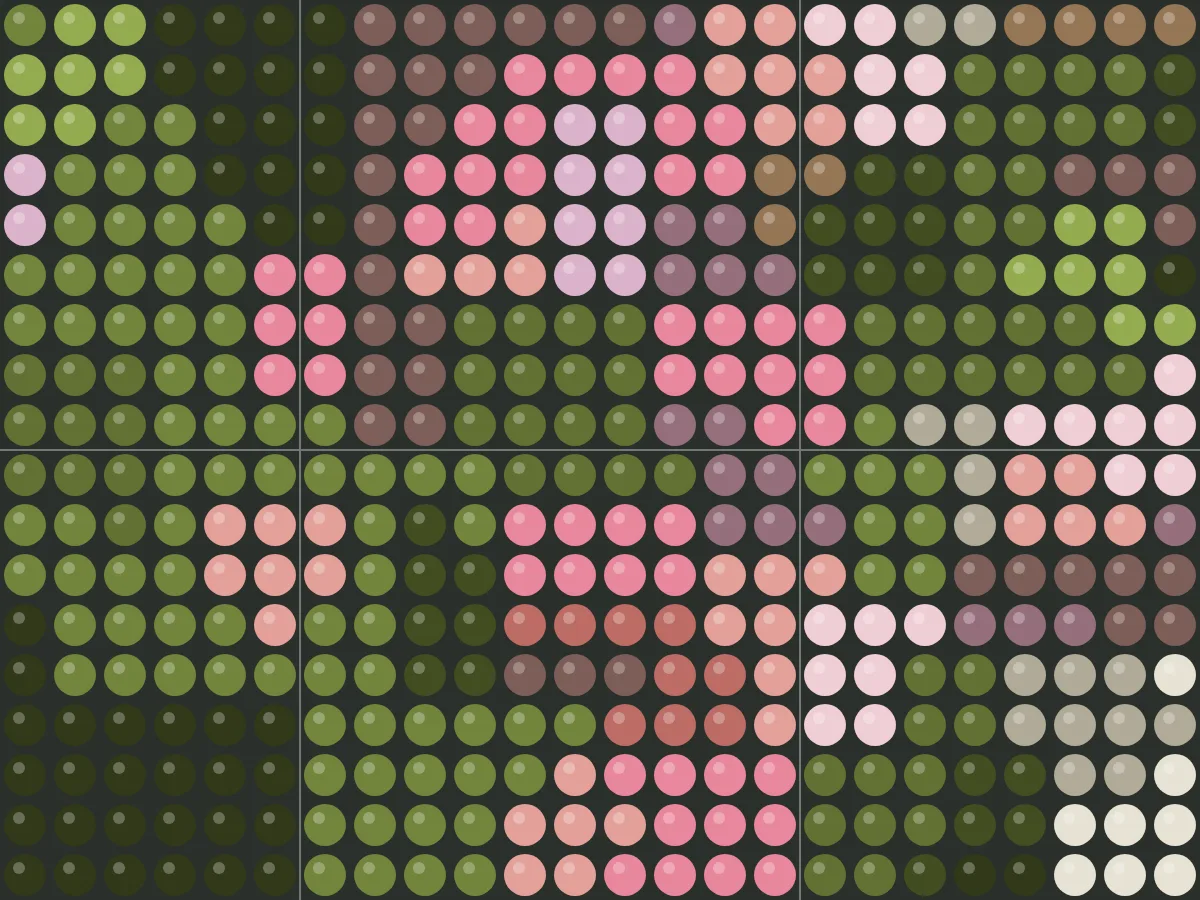
Round drills are the classic choice for beginners and for anyone who values a bit of sparkle. They are generally considered more forgiving to place, and the small gaps between them give the finished piece a textured, jeweled look rather than a flat mosaic.
Switch the preview to round drills and you will see that texture, with each stone drawn as a circle on the canvas background. That matters for deciding whether a photo suits the round look. Bold images with clear shapes, such as flowers, landscapes and cartoon-like pictures, tend to do very well.
Because round stones leave small gaps, very fine detail such as thin lines and tiny text can look softer than it would with square drills. For portraits, you may want a slightly larger grid to keep faces readable, or you may prefer the soft effect. Preview both and compare.
Work through the settings in this order. First crop the photo to the subject. Next choose the size of the grid, where every cell is one stone. Then use the color slider to find a number of colors you are comfortable buying. Finally adjust brightness and contrast so the image has enough punch once reduced.
The color list shows DMC codes and stone counts for each color. In the paid files, the shopping list adds a 10% spare and a bag estimate, which is a useful guide when ordering. Suppliers pack different quantities, so double check before you order.
Previewing is free and needs no account. The HD PDF without a watermark is $4.99 for a single pattern. Your photo is processed in your browser and not uploaded.